Documentation
General Overview for the Experience Management System
/ Authentication Login Page
Step 3: Redirect to Login Page
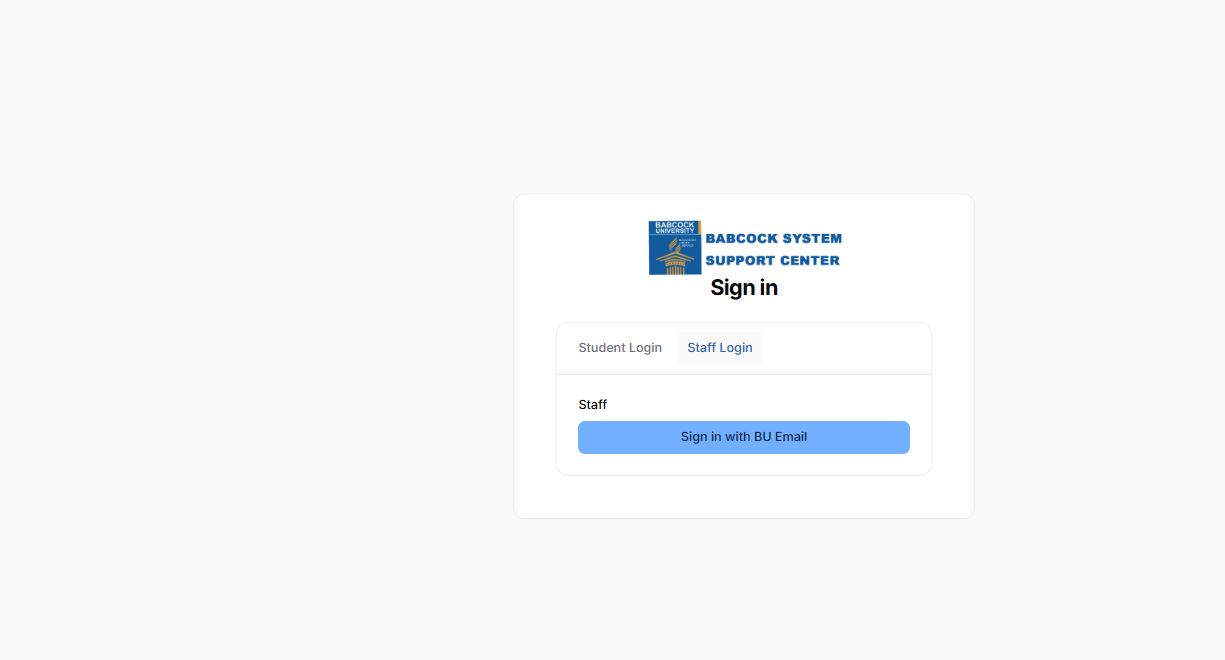
After selecting Staff / Student Support, the system redirects you to the Sign In Page.
This page contains:
Babcock System Support Centre logo
“Sign in” heading
Two login tabs:
Student Login
Staff Login
4. Login Page Structure
🔹 Student Login Tab
For registered students.
UMIS Aunthentication i.e Matric Number and UMIS password.
🔹 Staff Login Tab
For Regular Staff.
Displays:
Sign in with BU Email
Authentication is done using official Babcock University email credentials.